Explore Every Feature
Replace Species Photos
Species Library and Guidance
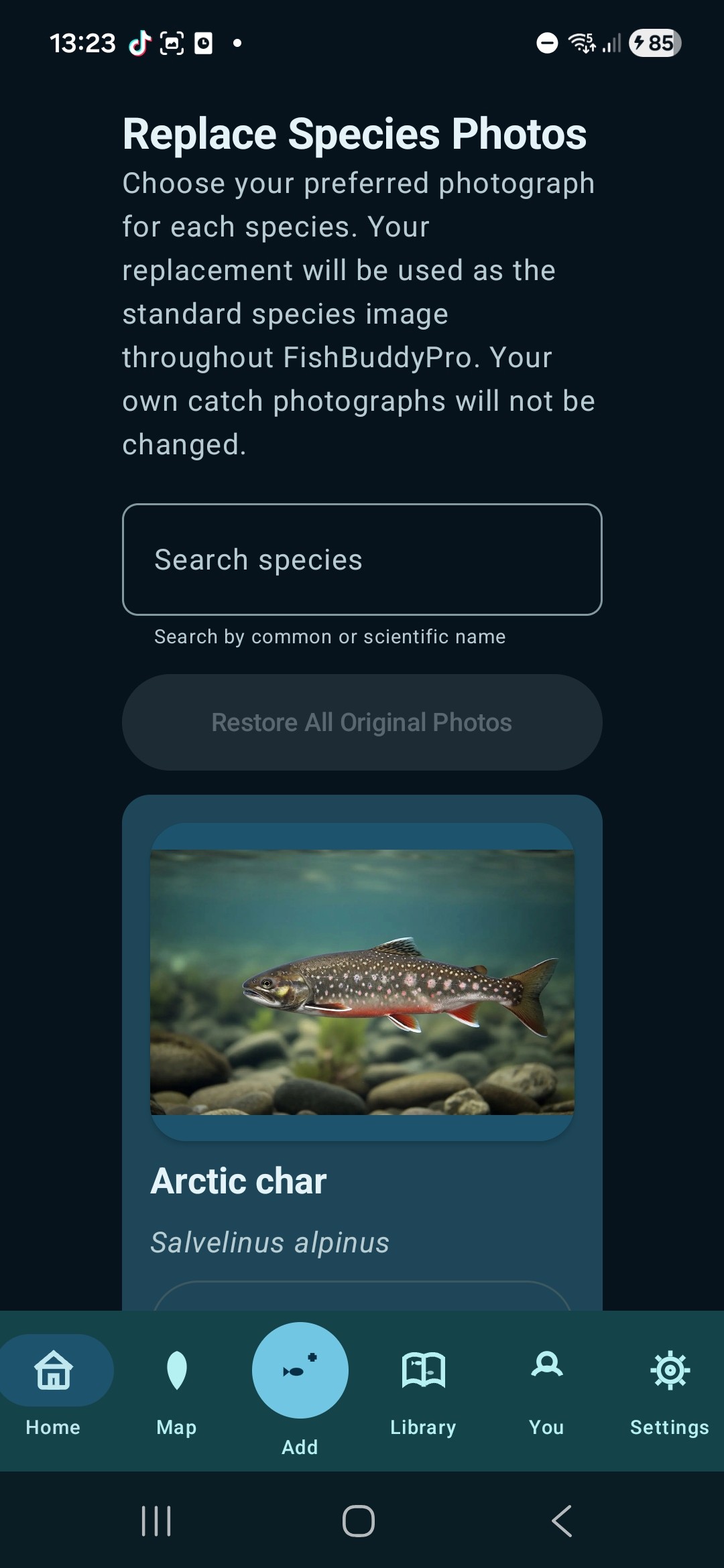
Replace or restore the standard image used for a fish species.
What It Does
Replace Species Photos allows you to change the standard FishBuddyPro photograph used for any fish species. The feature displays all available species alphabetically, with each species shown using its current photograph, common name and scientific name. The replacement becomes the preferred species image throughout the app wherever the standard species photograph appears, while photographs attached to individual catches, Fishing Trips, Quick Catches and Challenges remain unchanged. Personal catch photographs, catch galleries and personal records are never deleted or altered.
How to Use It
Open Useful Utilities and select Replace Species Photos. Find the species you want to update and tap Replace, then choose Take Photograph or Choose From Phone Library. Preview the selected image and confirm it to use that photograph as the standard image for the species throughout FishBuddyPro. When a species is using a replacement image, tap Restore Original Photo to return only that species to its original FishBuddyPro image. To reset every changed species image, choose Restore All Original Photos and confirm the warning. This removes all reassigned species images but does not change or delete any personal catch photographs.
← Back to All Features